



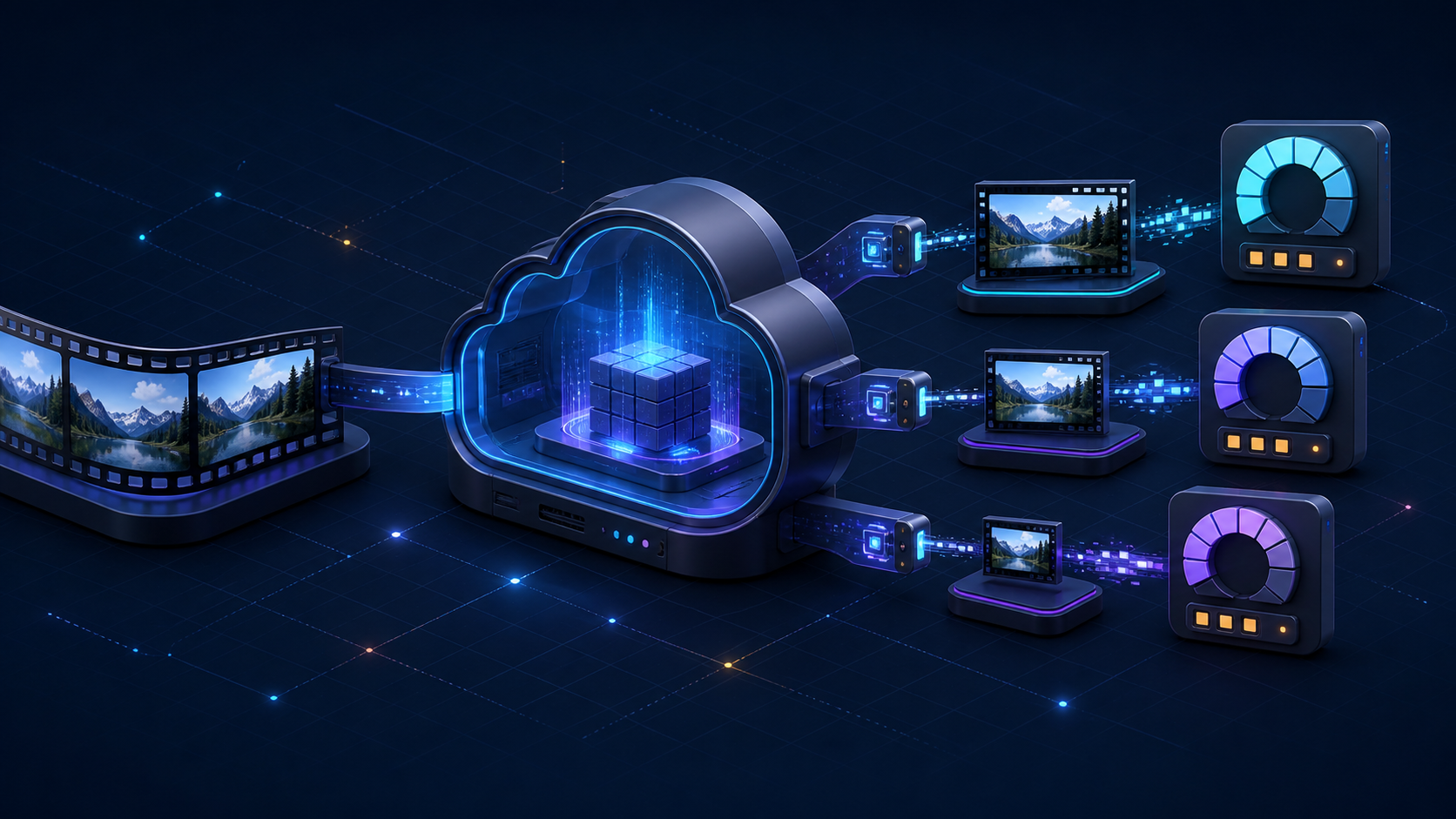
A single hour of source video can become several hours of billable output, which is why Zencoder pricing is easy to underestimate when you first model a streaming ladder. Brightcove Zencoder currently advertises file transcoding from $0.05 per output minute on pay-as-you-go and as low as $0.02 per output minute with a monthly subscription; resolution, codec, and premium-processing multipliers can increase the minutes charged.
This guide covers Brightcove Zencoder, the cloud video encoding service—not the unrelated Zencoder AI coding agent that now occupies many results for the same search. Below, you will calculate a real job, compare the published plans, and decide whether metered, bundled, or self-managed encoding fits your workload.
Worth saying up front: we build ZeroBuffer, which includes multi-rendition encoding with video delivery instead of billing per output minute. The Zencoder math below is accurate on its own terms — but the reason output minutes are worth counting this carefully is that they are avoidable.
Zencoder pricing at a glance
Brightcove publishes six file-transcoding options. The current Zencoder signup page confirms the $0.05 pay-as-you-go starting rate and the $0.02 subscription floor, and lists these plan mechanics:
| Plan | Monthly commitment | Included output minutes | Published overage rate |
|---|---|---|---|
| Test | $0 | Free test jobs; outputs limited to 5 seconds and watermarked | Not for production output |
| Pay-as-you-go | $0 | None | $0.05/minute |
| Launch | $40 | 1,000 | $0.04/minute |
| Traction | $300 | 10,000 | $0.03/minute |
| Growth | $2,000 | 100,000 | $0.02/minute |
| Enterprise | Quote | Volume terms | Quote |
These are output minutes, not source minutes and not encoder processing time. A ten-minute input that produces three ten-minute renditions starts at 30 output minutes before resolution, codec, or premium-feature multipliers.
The rate card is served on Brightcove's legacy-domain site, even though its copyright and product content remain current and its numbers agree with the live signup page. Treat the public table as a budgeting baseline, then confirm plan availability, monthly limits, enterprise discounts, and contract terms with Brightcove before procurement.
The subscription break-even points
Against the $0.05 pay-as-you-go rate, the $40 plan becomes cheaper at more than 800 billable output minutes per month. The $300 plan crosses the same baseline at 6,000 minutes, and the $2,000 plan at 40,000 minutes.
That does not mean each higher plan is automatically the cheapest next step. Compare adjacent plans too: moving from $40 to $300 adds $260 of commitment and reduces the unit rate by one cent, so the rough break-even is 26,000 minutes. Likewise, moving from $300 to $2,000 requires enough volume for the additional commitment to outweigh the lower overage rate. Use your actual ladder mix rather than source hours alone.
How Zencoder pricing calculates output minutes
The core formula is:
Billable output minutes = rounded output duration × resolution or codec multiplier + premium-feature minutes
Zencoder charges for the duration of successful outputs. Its official pricing FAQ says unsuccessful outputs are not charged, each output is counted separately, and durations are calculated in 10-second increments. It also says unused subscription minutes do not roll into the following month.
The published baseline multipliers are:
| Output type | H.264 or HEVC multiplier | AV1 multiplier |
|---|---|---|
| SD, below 1280×720 | 1× | 12× |
| HD, 1280×720 through 2048×1080 | 2× | 24× |
| UHD, above 2048×1080 through 4096×2160 | 4× | 48× |
| Audio-only | 0.25× | — |
| Transmuxing | 0.25× | — |
Two-pass encoding and Context Aware Encoding used inside a transcode job are listed as included. Analysis-only Context Aware Encoding adds 1× output minutes, and the optional InSync FrameFormer conversion adds 6× minutes. Zencoder's current product page also says Context Aware Encoding is available with annual contracts, so confirm entitlement as well as the minute multiplier (Brightcove Zencoder overview).
Worked example: a one-hour ABR ladder
Suppose a 60-minute source produces 1080p, 720p, and 360p H.264 or HEVC outputs:
| Rendition | Calculation | Billable minutes |
|---|---|---|
| 1080p HD | 60 × 2 | 120 |
| 720p HD | 60 × 2 | 120 |
| 360p SD | 60 × 1 | 60 |
| Total | 300 |
That job costs $15 at the $0.05 pay-as-you-go rate, consumes $12 worth of the Launch plan's $0.04 minutes, $9 at the Traction rate, or $6 at the Growth rate. The committed plans still charge their monthly fee even when usage is lower, so those latter figures are useful for marginal-cost modeling, not a promise that a single job produces a $6 invoice.
This example also exposes the most common budgeting error: calling the workload “60 minutes of video.” For billing purposes, it is 300 normalized output minutes because the ladder contains two HD renditions and one SD rendition.
What can make Zencoder pricing climb
The base rate is only one variable. Four workload decisions have a larger effect on the bill.
Every rendition is another output
Adding a second language, codec family, frame-rate version, or resolution can add another full-duration output. This is not merely vendor upselling: Apple's current HLS authoring specification requires multiple video bitrates and recommends at least two variants at the highest available resolution for HD content. It also advises testing bitrate targets against the actual content and encoding workflow.
The practical response is not to strip the ladder until playback suffers. Build the smallest ladder that covers your devices and network conditions, then validate quality and switching behavior on representative content.
Resolution changes the normalized minute count
A 4K UHD rendition uses a 4× multiplier for H.264 or HEVC, compared with 2× for HD and 1× for SD. One 60-minute UHD output therefore consumes 240 billable minutes before any premium filter is added.
Do not infer the multiplier from the source resolution. Zencoder bills the output it creates. A 4K master downscaled to 1080p is an HD output; a 1080p source upscaled to 4K would be a UHD output, although upscaling rarely creates real detail and should need a clear product reason.
AV1 has a much higher published multiplier
The rate card assigns AV1 multipliers of 12× for SD, 24× for HD, and 48× for UHD. Its worked example turns a single 30-minute UHD AV1 rendition into 1,560 billable minutes because it combines the 4× UHD baseline with an additional 48× AV1 component.
AV1 may reduce delivery bitrate for a given quality target, but encoding and delivery belong in the same model. Compare the incremental encoding charge with the storage and bandwidth saved across the expected number of views; a catalog item with little demand may never earn back an expensive re-encode.
Short files still round in 10-second increments
The pricing FAQ says a 25-second output is charged as 30 seconds. Rounding barely matters for long-form programming, but it can become visible in a platform processing thousands of clips, previews, or user uploads. Model the rounded duration of each output rather than rounding the monthly total once.
Zencoder pricing vs free video encoding options
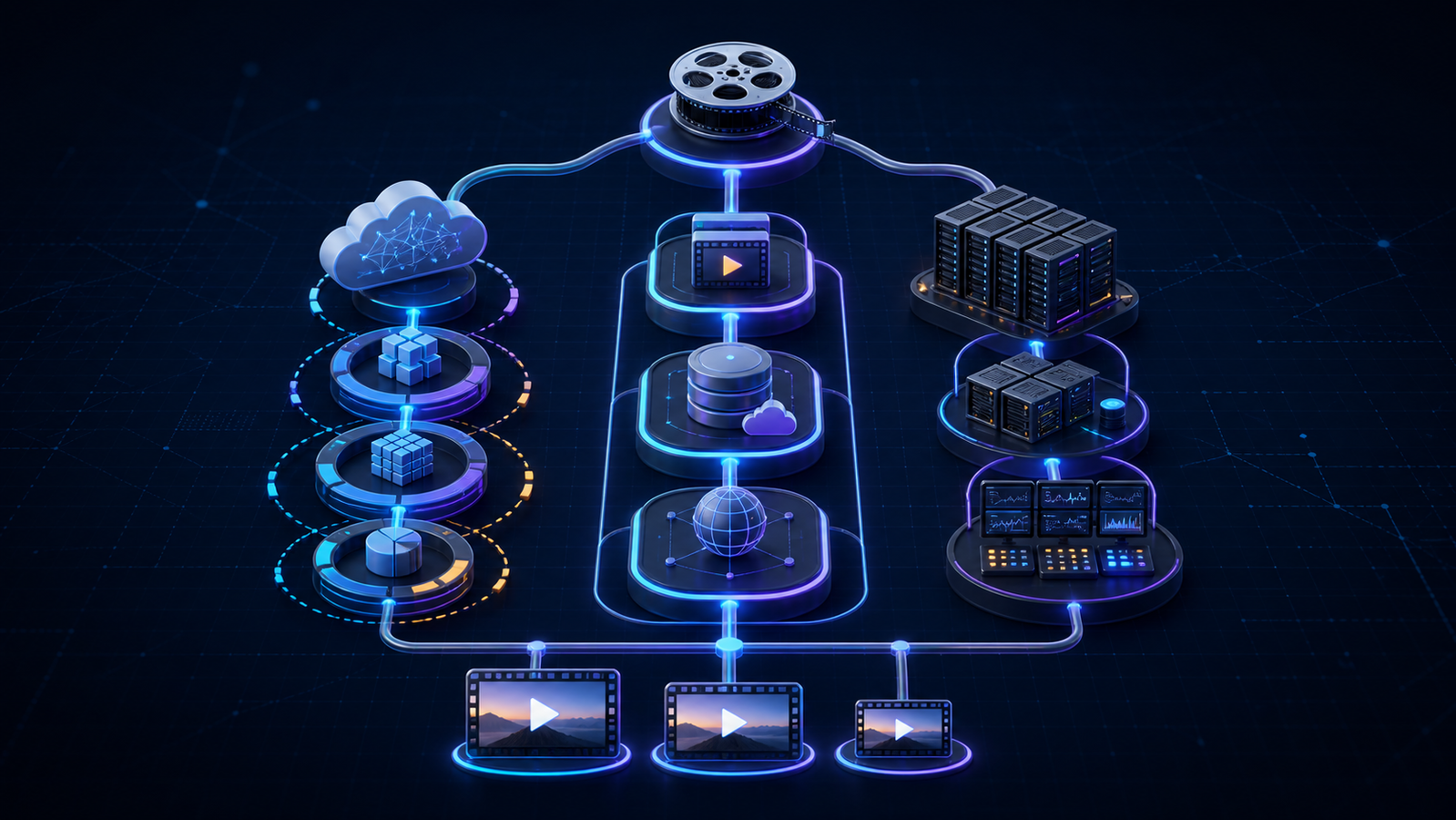
“Free encoding” can mean a restricted trial, open-source software, or encoding bundled into another paid service. Those models move cost to different parts of the video stack; none removes the need to process compute-intensive media.
| Model | Encoding line item | What you still pay for or operate | Best fit |
|---|---|---|---|
| Zencoder test mode | $0 for short watermarked test outputs | Production plan, storage, delivery, integration | Validating API integration |
| Metered cloud transcoding | Per normalized output minute | Storage, egress, CDN, monitoring, retries | Teams wanting a focused encoding API |
| Encoding bundled with delivery | No separate encoding fee under stated terms | Storage and delivery usage; platform constraints | Teams seeking one upload-to-playback stack |
| Self-managed FFmpeg | No vendor fee for the software | Compute, queues, scaling, security, monitoring, engineering | Teams needing control and able to own operations |
A free trial is not free production encoding
Brightcove describes unlimited test jobs, but limits outputs to five seconds, adds a watermark, and permits one concurrent job. That is useful for testing request construction, callbacks, credentials, and failure handling. It cannot establish long-form throughput, production image quality, or a representative monthly bill.
Open-source software removes the service fee, not the workload
FFmpeg can eliminate a managed transcoder's per-minute charge, and the project states that its default code is primarily under the LGPL with optional GPL components (FFmpeg legal guidance). Your team still has to provision workers, schedule jobs, isolate untrusted inputs, maintain codec builds, handle retries, measure quality, scale bursts, store outputs, and keep the pipeline patched.
Self-hosting is compelling when the workload is steady, the team already operates media infrastructure, or unusual codecs and filters require deep control. It is less attractive when engineering time and incident coverage exceed the managed-service premium.
Bundled encoding changes the unit you optimize
ZeroBuffer includes encoding with video delivery — automatic multi-rendition output to 4K, 1080p, 720p, and 480p alongside storage and global delivery — so the per-output-minute transcoding line disappears entirely and you pay only usage-based delivery at a flat $0.0049/GB.
That changes the arithmetic above rather than discounting it. Zencoder's cost scales with source hours × renditions; ZeroBuffer's scales with bytes actually watched. For a library that gets encoded once and streamed often, those are very different bills. Validate preset controls, codec coverage, captions, packaging, and export path against the same acceptance criteria you apply to Zencoder.
Compare the whole video workflow, not one rate
A low encoding rate can sit inside an expensive architecture, while a higher rate can be justified by faster integration, fewer failures, or specialist format support. Evaluate the total lifecycle.
Calculate the full monthly cost
Record source minutes, outputs per source, resolution and codec mix, premium options, short-file rounding, retries, and expected subscription overage. Then add source storage, rendition storage, transfers into and out of the encoder, packaging, captions, DRM, CDN delivery, requests, analytics, player costs, support, and retention.
Run at least three cases: a normal month, a catalog migration, and a peak launch. A monthly commitment may win in steady state but lose during a quiet season; pay-as-you-go may look cheap until a large back catalog is reprocessed into a new codec.
Test output quality and compatibility
Zencoder's current product page advertises 4K, UHD, HEVC, broad format support, adaptive streaming, captions, and a developer API. Its output-settings documentation says an empty or invalid output definition can fall back to a default H.264/AAC MP4 and that a job supports up to 20 outputs.
Test your hardest files, not a single clean demo clip. Include high motion, animation, dark scenes, grain, variable frame rates, HDR, multiple audio tracks, captions, very short clips, large masters, and deliberately broken inputs. Check manifests, segment alignment, bitrate peaks, visual quality, processing latency, failure messages, and retry behavior.
Decide how much workflow you need
Zencoder is an API-oriented cloud transcoding service. If you need broadcast workflow orchestration, facility-local processing, human approvals, or specialist QC, compare a broader platform and its operational cost; this managed encoding versus Telestream Vantage guide covers that different decision.
If your actual need is upload, ABR packaging, storage, and global delivery, a bundled platform may remove handoffs. If you need only deterministic file conversion inside an established infrastructure team, a self-managed video transcoding server may be enough.
How to choose a Zencoder plan or alternative
Use this sequence before signing a contract or building your own cloud transcoding pipeline:
- List every required output. Include resolution, codec, audio, captions, packaging, thumbnails, and premium processing.
- Convert source duration into billable minutes. Apply the published multiplier to every output and round short outputs independently.
- Model the monthly distribution. Use median, peak, migration, and quiet-month workloads rather than one average.
- Compare commitment break-even points. Test pay-as-you-go and every adjacent subscription tier, including unused minutes and overage.
- Add storage and delivery. Encoding cost alone does not put a playable stream in front of a viewer.
- Run a representative pilot. Measure output correctness, visual quality, queue time, retries, integration effort, and cost.
- Document the exit path. Confirm where masters and renditions live, how outputs can be exported, and what must be rebuilt if you switch providers.
Choose Zencoder when its format breadth, API, support, and output controls justify metered minutes. Choose bundled encoding when the required outputs fit and consolidating encoding with storage and delivery reduces total cost and operational handoffs. Choose self-managed encoding only when control is valuable enough to own the compute fleet and on-call burden.
Frequently asked questions
How much does Zencoder cost?
Brightcove currently advertises Zencoder file transcoding from $0.05 per output minute on pay-as-you-go and as low as $0.02 per minute on a monthly subscription. Its published plans list $40 for 1,000 included minutes, $300 for 10,000, $2,000 for 100,000, and custom enterprise pricing; confirm current availability before buying.
Does Zencoder charge by source minute or output minute?
Zencoder charges by successful output duration. A ten-minute source converted into three ten-minute outputs begins at 30 output minutes, then resolution, codec, and premium-feature multipliers may apply.
Is Zencoder free?
Zencoder offers free test jobs, but outputs are limited to five seconds and watermarked, with one concurrent encoding job. Production file transcoding uses pay-as-you-go, a monthly plan, or enterprise terms.
How much would a one-hour three-rendition ladder cost?
A 60-minute job producing 1080p, 720p, and 360p H.264 or HEVC outputs consumes 300 billable minutes under the published multipliers. That is $15 at the $0.05 pay-as-you-go rate, before storage, transfer, and delivery costs.
Is FFmpeg a free Zencoder alternative?
FFmpeg is open-source software and does not charge a cloud transcoding fee. It is not a managed service: your team remains responsible for compute, job orchestration, scaling, monitoring, security, codec maintenance, retries, storage, and delivery.
Price the outputs, then ask if you need the line item at all
Zencoder pricing is predictable only after you translate each source into its successful outputs. Start with the public $0.05-to-$0.02 per-minute range, then apply every rendition, resolution, codec, premium-feature, and short-file rounding rule before comparing plans.
For a focused, developer-oriented video transcoding service with broad format support, Zencoder can be a sensible managed choice. For maximum control, model the real people and infrastructure costs of self-hosting. Whichever route you take, run the same production-like corpus through each option and choose on total monthly cost, output correctness, and operational load — not the smallest headline rate.
But run the third option too, because it is the one that removes the line rather than shrinking it. ZeroBuffer bundles multi-rendition encoding with delivery at a flat $0.0049/GB — free to start, no card — so the per-output-minute calculation you just did stops applying.